A vehicle wrap design template is a scaled outline of one model, with every side drawn flat. You place your design on it, then check it against measurements of the real car. Vector software and a template for the right production years do much of the work.
Key facts
- A wrap template must match the exact model and production years of the vehicle.
- Vector software keeps logos and text sharp at any print size.
- Each printed strip must fit the roll width, 1.52 m (60 in) on a standard roll.
- The site has wrap pages for 3,616 car models with film amounts by generation.
What car wrap design templates show
Car wrap design templates show the vehicle from the sides, front, back and top. Each view is drawn to scale, so one unit on screen equals a set length on the car. Good templates also mark door handles, fuel caps, lights and deep recesses.
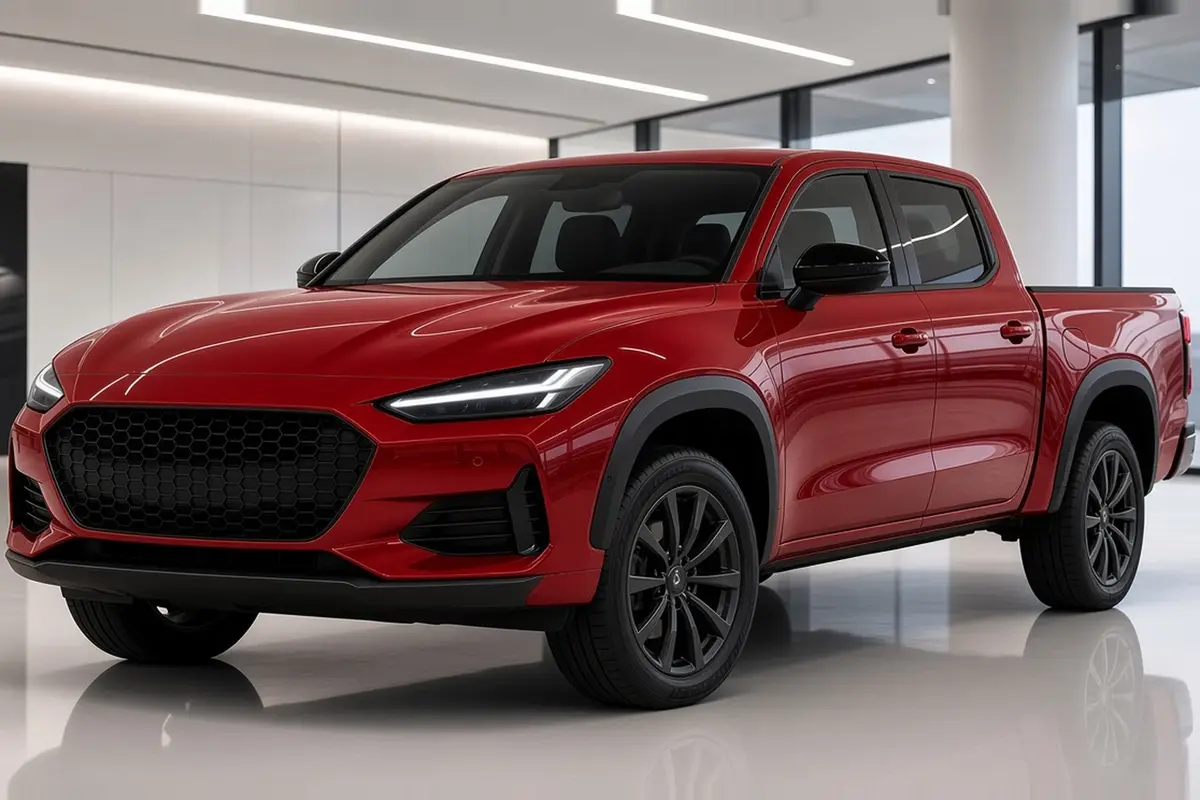
Van wrap design templates and truck wrap design templates exist for each body length and roof height. A box truck or food truck template must match the actual body built on the chassis. Pick the template by model and production years, not by a similar-looking vehicle.
Where to find vehicle wrap design templates
Vehicle wrap design templates come from template libraries and from the print shops that produce wraps. Free templates exist too, often as PDF or Illustrator files to download. Check every free template against the real vehicle before trusting its scale.
A template is a drawing, and real vehicles differ in trim, mirrors and accessories. Racks, ladders, step bars and body kits all change what the design can cover. Photograph each side straight on and note anything the template does not show.
Which program to use to design a car wrap
A program to design a car wrap should work in vectors and handle very large files. Adobe Illustrator and CorelDRAW are long-standing vector tools in wrap shops. Inkscape is a free vector editor that also works for wrap layouts.
Photo editors suit photo-based designs, but logos and text belong in vector form. A raster image must hold enough pixels at full vehicle scale to print cleanly. Ask the print shop which file format and color profile it needs.
Convert fonts to outlines and link images at full resolution before sending the files. Missing fonts and small images cause delays once the file reaches the print shop.
Designing your own car wrap step by step
You can design your own car wrap if you work in order and check scale often. The steps below follow the order a wrap shop uses on every job.
Bleed is extra design beyond the panel edge that the installer trims away. Without bleed, a slight shift on the car leaves bare white film at the edge.
- Measure the real vehicle and photograph every side straight on.
- Load a template for the exact model and production years.
- Place the main elements first: color areas, logo and lettering.
- Keep text and key details off door gaps, handles and deep recesses.
- Add bleed at every edge so the installer can trim and wrap edges.
- Send the file for a proof and approve it before printing.
Design your own car wrap online
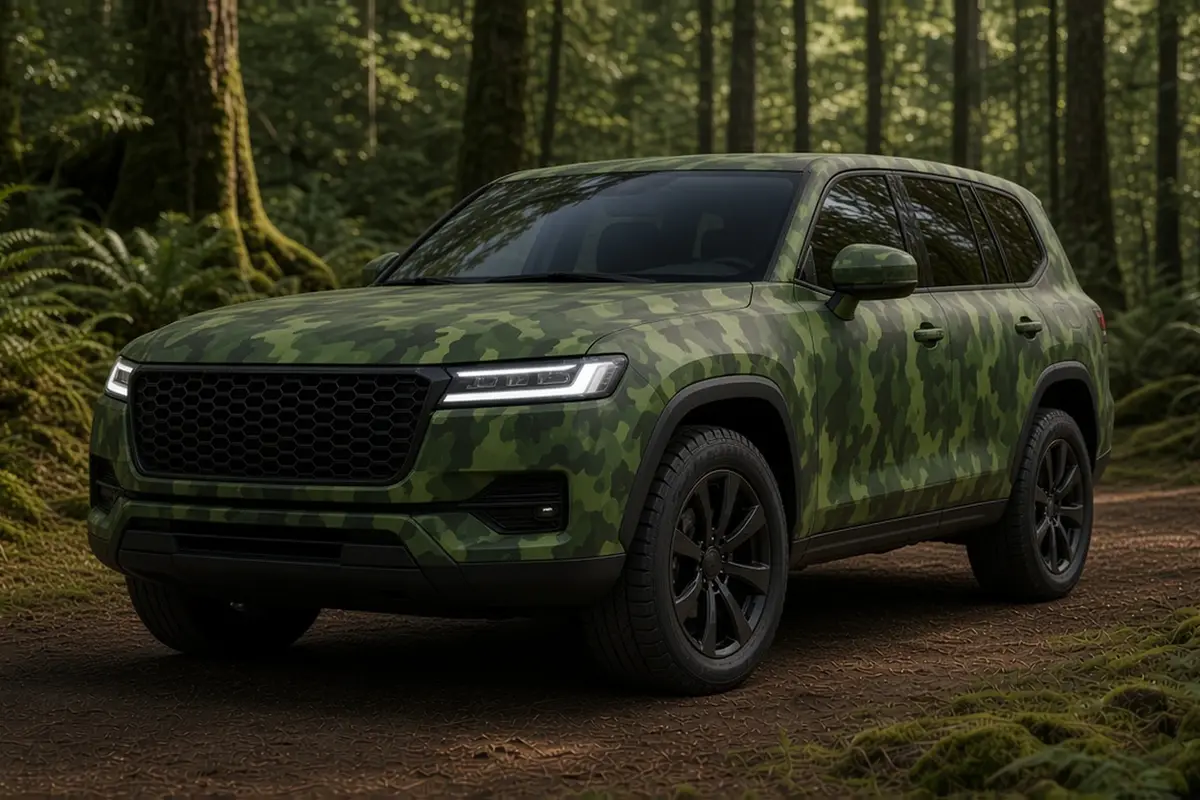
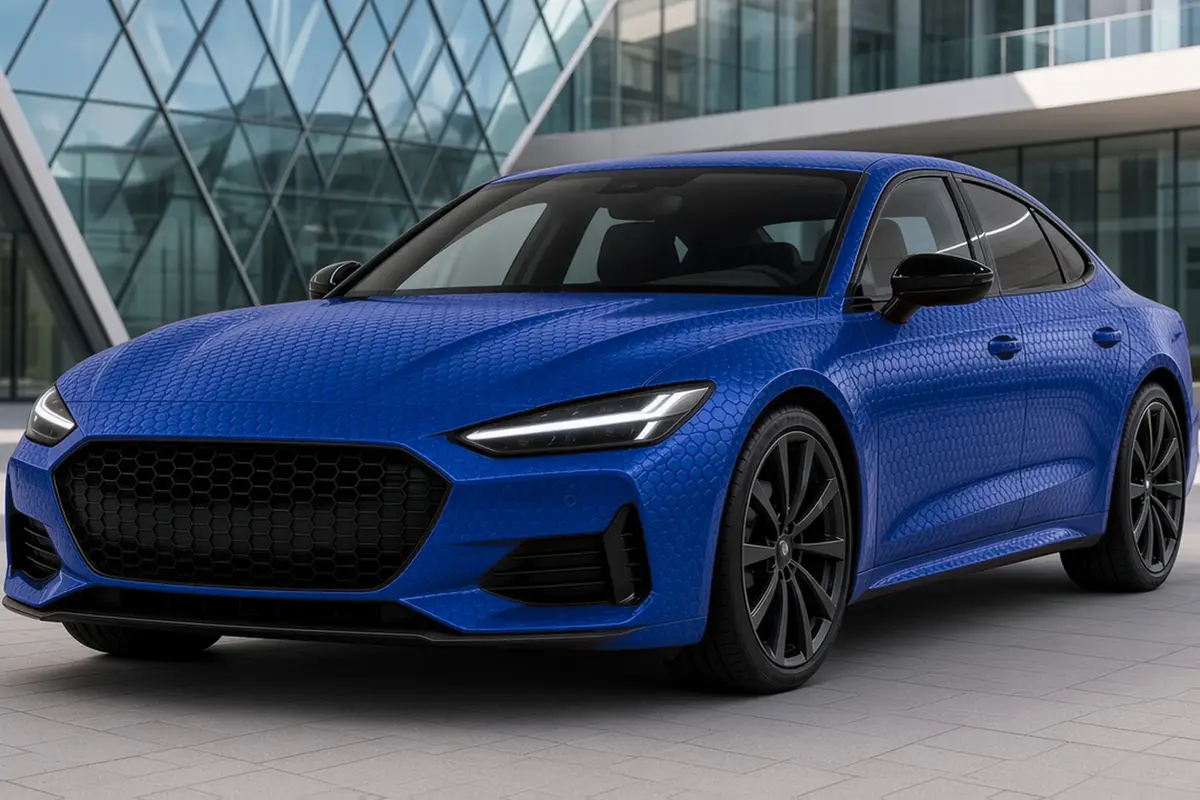
Online configurators let you try colors and patterns on a generic car shape. The visualizer on this site shows 191 wrap looks on different body types. Use such tools to choose a direction, then build the print file in vector software.
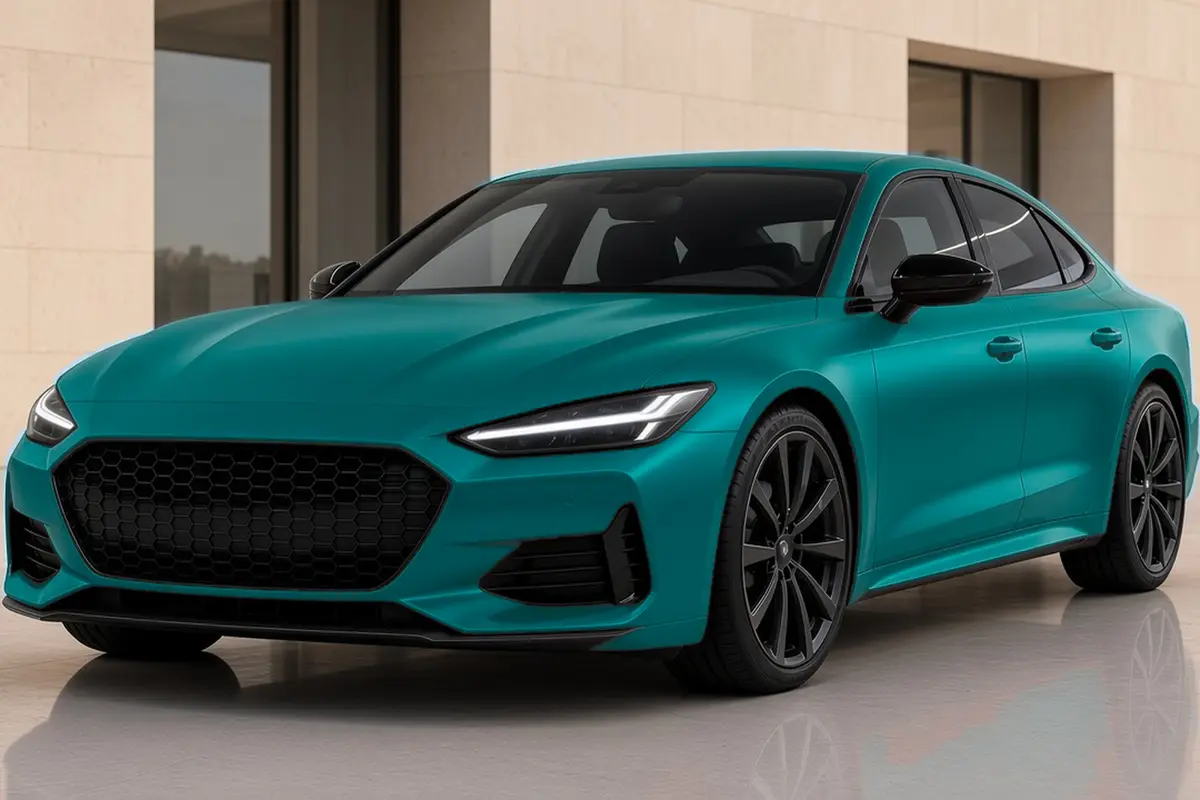
A single-color design needs no print file, because color film already carries the color. The film catalog on this site lists films by manufacturer, color, finish and series. Pick the film first, then design printed details to sit on top of it.
Preparing a vehicle wrap design for print
The print file splits the design into strips that fit the roll width. Strips overlap slightly so the installer can join them without a gap. Place each overlap on a body line or a quiet area of the design.
The film calculator on this site shows how much film each body type takes. Model pages under wraps by car give film amounts by generation for 3,616 models. These figures help the print shop plan the run before the final file arrives.
Questions
What program is used to design a car wrap?
Vector programs such as Adobe Illustrator, CorelDRAW and Inkscape are used to design car wraps. Vector files keep text and logos sharp at full vehicle size. Photo editors help with image-based designs placed inside the vector layout.
How do I design my own car wrap?
Start with a scaled template of your exact model and its production years. Measure the real car, lay out the design in vector software, then add bleed. Send the file to a print shop for a proof before anything is printed.
Can I design my own car wrap online for free?
Yes, online tools let you try looks, and Inkscape is a free vector editor. A print-ready file still needs a scaled template and checks against the real vehicle. Measure any free template against the car before you rely on it.
How much does a vehicle wrap design cost?
The cost of a wrap design depends on the size of the vehicle and its level of detail. Custom artwork, photo work and changes after the proof each add time. A single color with a logo takes far less design time than a full printed scene.